 Disjoncto


Settings and account
Account and sign-in
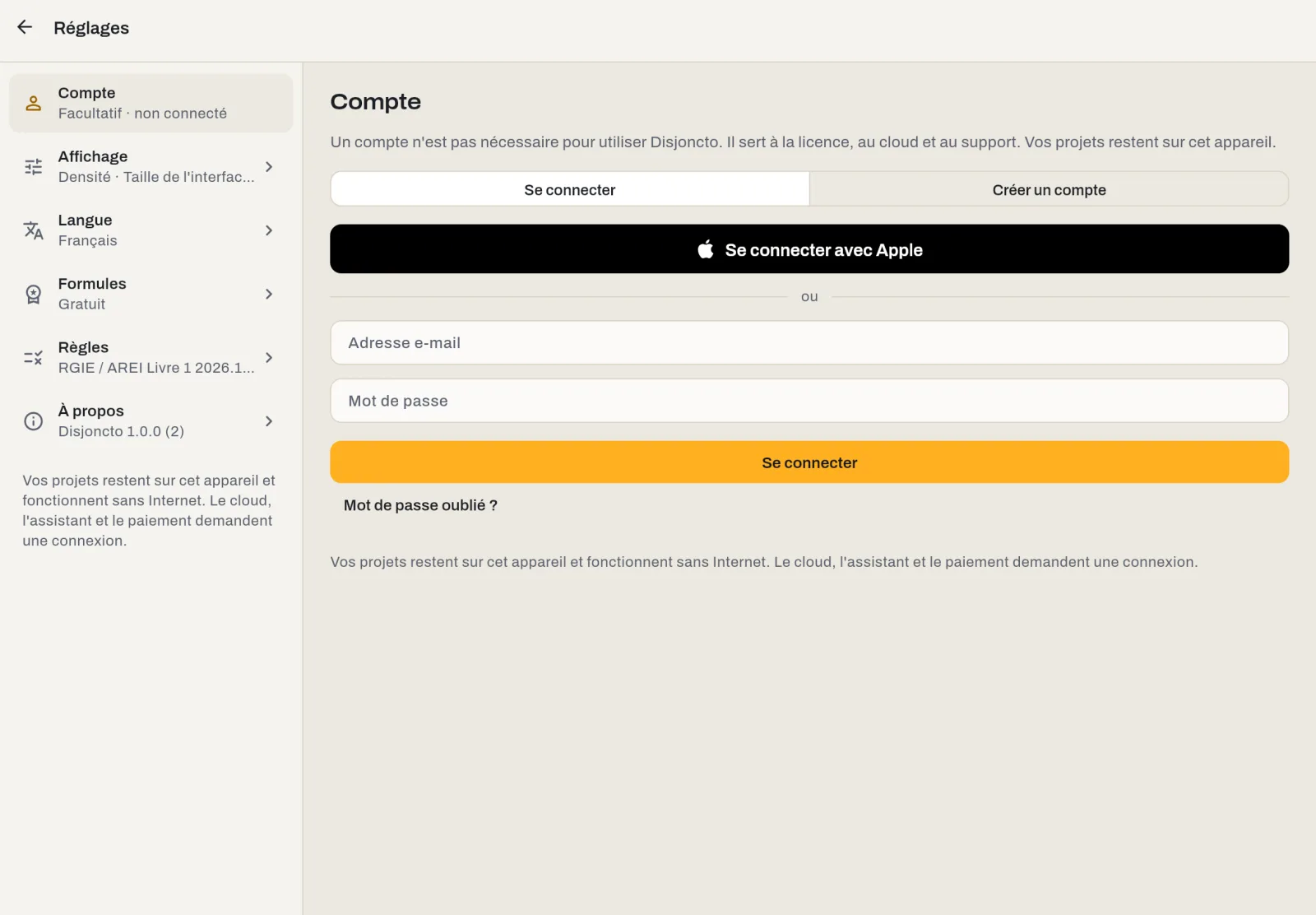
An account is optional. It is used for licensing, the upcoming cloud and support. Your projects stay on your device, with or without an account.
What the account is for#
- Licence: recover a subscription or a pass on another device and buy online outside the stores.
- Cloud and team coming soon: sync projects between devices and share them.
- Support: identify you when you write to us.
Nothing else: drawing, the RGIE check and exporting the file require no sign-in.
Sign in with Apple#
On iPad, iPhone, Mac and in Safari, the Sign in with Apple button creates the account or signs you in in one step, with Face ID or Touch ID. You can hide your email address: Apple then provides a relay address that forwards our emails (licence, support). There is no Disjoncto password to remember. The same account then opens on all your Apple devices signed in with the same Apple ID.
In other browsers and on Android, Windows and Linux, you sign in with email and password.
Create an account by email#
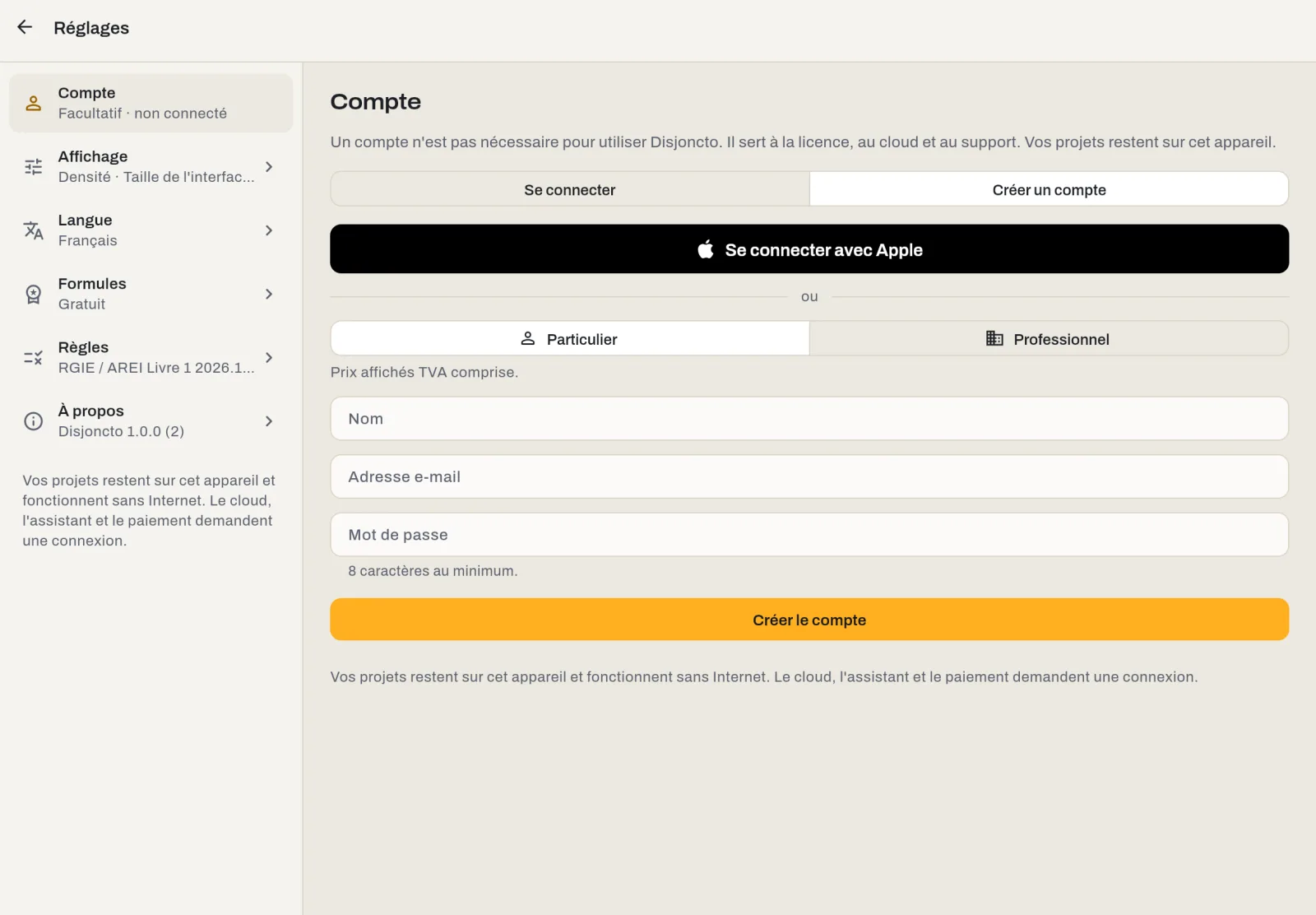
Create an account tab, then choose your profile:
- Individual: name, email address and password (at least 8 characters). Prices are shown including VAT.
- Professional: in addition, your VAT number (for example BE0123456789); the Verify button looks it up in VIES, the European VAT information exchange system, and pre-fills the company name. Prices are then shown excluding VAT.
The profile (individual or professional) can be changed later from the Account screen.
Sign out#
Sign out removes the account from this device. The projects, settings and licence already stored on the device stay in place (the offline licence keeps at least 30 days' grace, see Plans and licences).
Delete the account#
Deletion is done from the app, in two taps, without going through support: on the Account screen, Delete account, then Delete permanently in the confirmation window (the password is requested for accounts that have one). Deleted immediately: the account, the profile, the linked cloud data and subscriptions taken out online. A subscription purchased through the App Store or Google Play must be cancelled from the store, under its rules; we cannot do it for you.
The projects saved on your devices are not affected: they belong to you and remain readable. You can also request deletion by email at support@disjoncto.com or from disjoncto.com.
Offline#
If the server is unreachable, the Account screen says so and the app keeps working. The connection is retried the next time the app opens.
Forgotten your password? Below the Sign in button, “Forgot your password?” sends a reset link to the account's address. With Apple, there is no password to recover.