 Disjoncto


Reference
Devices
One application that adapts to the tool: the stylus draws, the fingers navigate, the keyboard speeds things up.
iPad and Apple Pencil#
- The Pencil draws: walls, rooms, symbols, selection, moving.
- Fingers navigate: once the Pencil has been used, a single finger pans the plan instead of drawing; that is palm rejection. A brief finger tap still selects an item.
- Two fingers: pan, zoom and rotate the plan (snapped to 0° and 90°).
- Hover (iPad Pro with M2 chip or later): bringing the tip close without touching, the symbol preview and the snap point follow the Pencil.
Without a Pencil, the finger does everything: one finger draws with the active tool, and pans the plan with the Select tool on empty space. With a keyboard, all the shortcuts work; ⌘ is the command key.
Mac#
- Trackpad: two fingers to pan, pinch to zoom, twist to rotate the plan.
- Mouse: wheel to zoom under the pointer, ⇧ + wheel or middle button to pan, drag on empty space for a rectangular selection.
- Keyboard: single-key tools (V, W, R, D, F, P, L, I, M), modes 1 to 5, ⌘ to undo, duplicate, zoom. See Keyboard shortcuts.
On Windows and Linux, the same gestures apply, with Ctrl in place of ⌘.
iPhone#
On a narrow screen, Disjoncto switches to viewing mode: the app stays in portrait, the Plan, Board, Single-line, 3D and File modes are in the bottom bar, and Details opens the Properties, Circuits and Check tabs in a panel that slides up from the bottom. The drawing toolbar is not shown there: you review a project, check a circuit or a point, fix a remark, export the file. Drawing is done on iPad or on a computer.
Appearance#
Paper (light) for the site and printing, Graphite (dark) for the office and the evening, or System. The choice is made in the settings, along with the density and interface size.
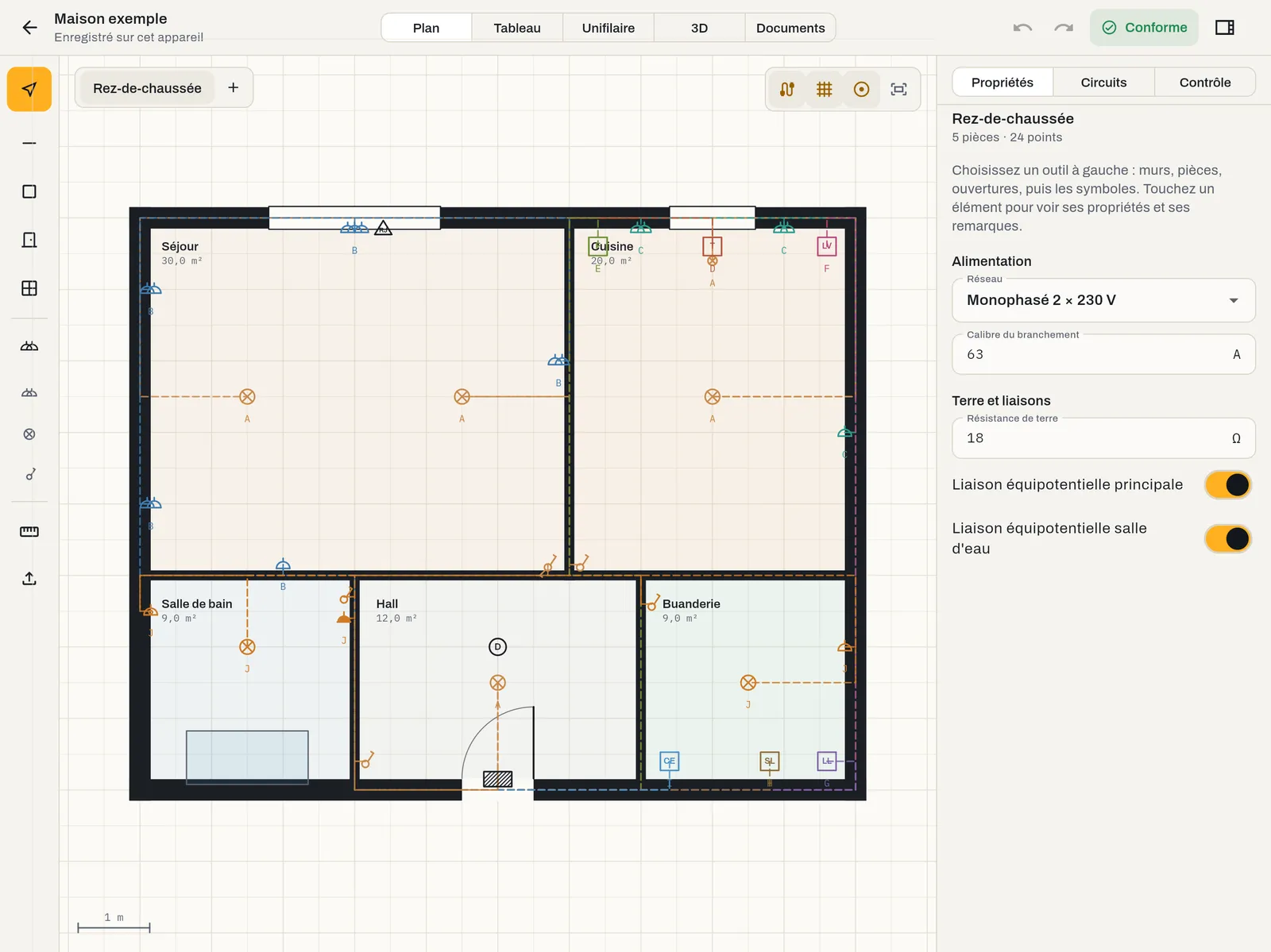 Light
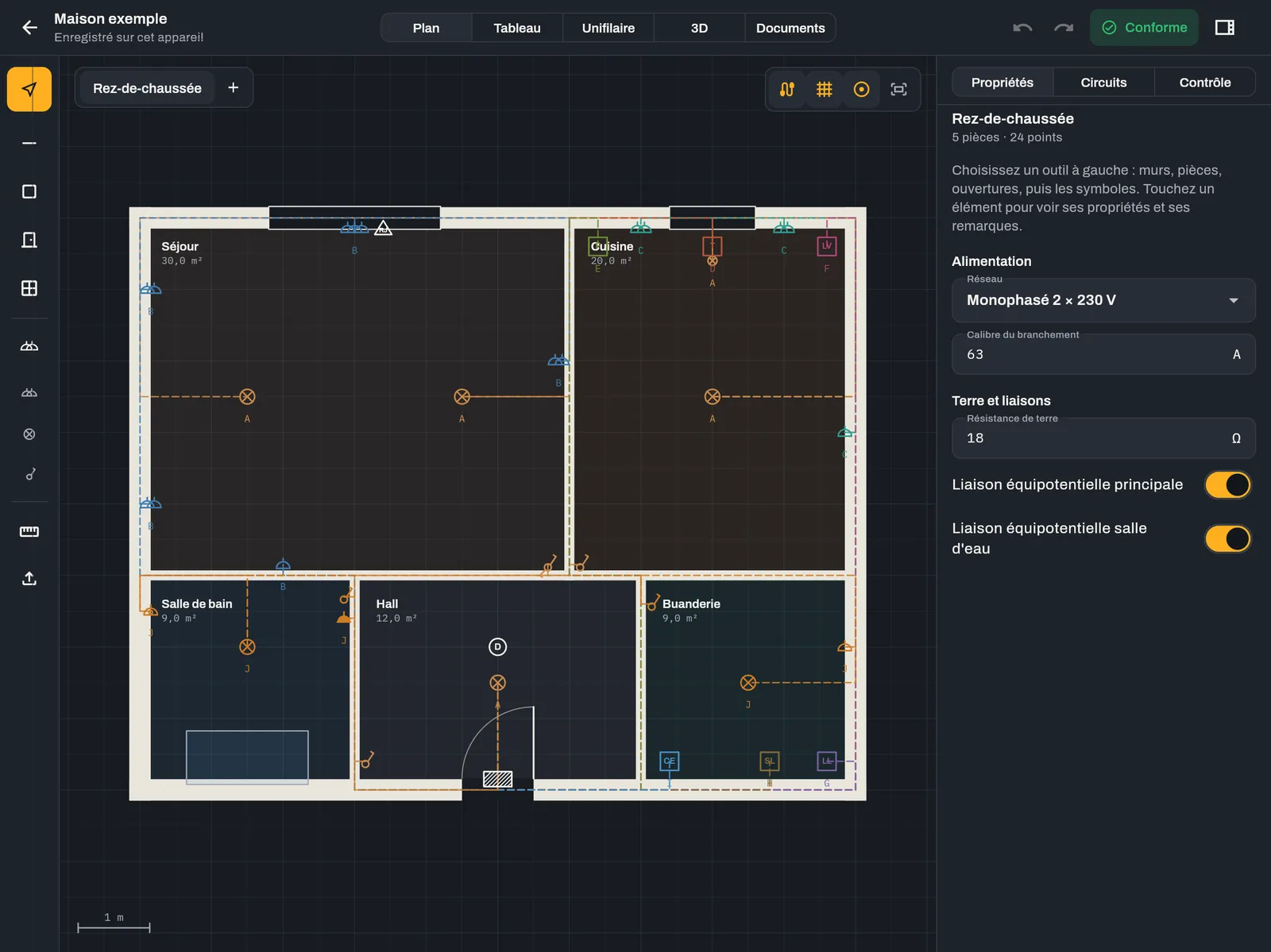 Dark
Keyboard shortcuts on Mac#
On Mac, the editor can be driven entirely from the keyboard: single-letter tools, modes 1 to 5, ⌘ Z, ⌘ D, ⌘ 0. The full list, with the Windows and Linux equivalents, is on the Keyboard shortcuts page.
LiDAR scan#
Surveying a room with the LiDAR sensor of the iPad Pro and iPhone Pro is coming soon.