 Disjoncto


Electrical
3D view
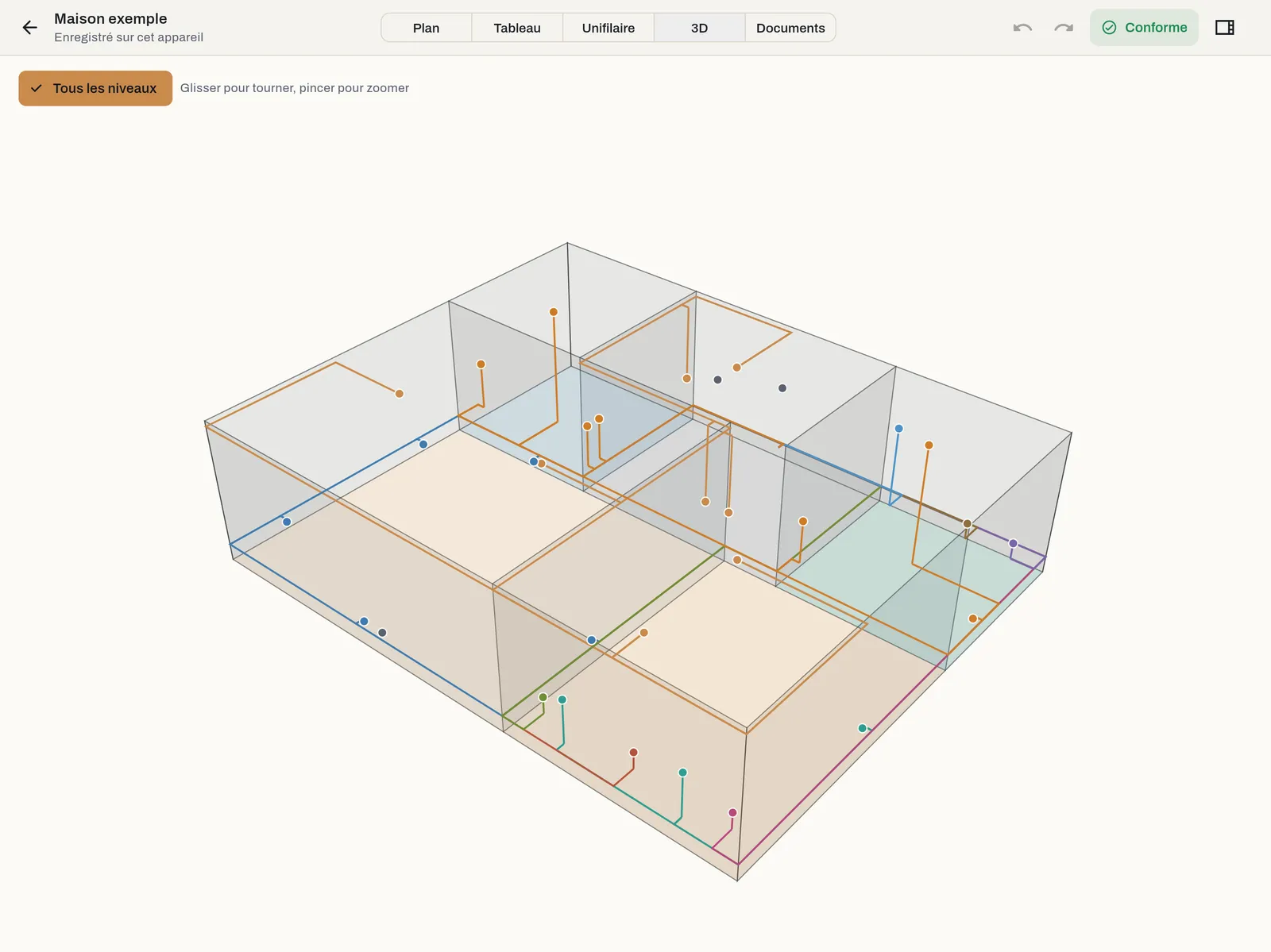
3D mode (key 4) shows the building in volume, with every point at its height and every cable along its route.
What is shown#
The walls at their height, semi-transparent, the room floors, the electrical points at their height, and the cables coloured by circuit: at the ceiling for high points, 30 cm above the floor for sockets. It is the quickest way to check an entered height or a cable run before pricing.
Navigating#
- Drag with a finger or the mouse: orbit around the building.
- Pinch, or wheel: zoom.
- All levels: shows all levels stacked, or only the current level.
The 3D view is for viewing: changes are made on the plan. The right-hand panel is not shown here.